Cable Management Ideas
The quiet order beneath a refined desk.
Cable management is not a technical afterthought. In a composed workspace, power, charging, monitors, and desktop accessories should feel planned into the furniture language, keeping executive offices, computer desks, conference tables, and reception zones visually calm.
Guide cables through predictable paths before placing monitors and accessories.
Keep visible surfaces clean with trays, modesty panels, and desk grommets.
Preserve practical reach for power, charging, and future workspace changes.

Clean worktops depend on intentional routing below, behind, and through the desk structure.
A tidy workspace starts before the first cable is plugged in.
The most polished office furniture layouts treat cable paths as part of the room architecture. The goal is not to remove technology, but to give it a calmer place to live.
Plan power zones by work behavior.
Place outlets, charging access, and desktop power where people naturally work, present, and meet. A conference table needs different routing than a private executive desk.
Keep the front elevation clean.
Use modesty panels, under-desk trays, and rear routing to preserve the first impression from the office entrance, guest chair, or meeting room doorway.
Allow service without visual clutter.
Good cable management still allows access. Leave intentional slack, label essential connections, and avoid hiding cables so completely that routine changes become difficult.
Think in layers: desktop, underside, wall, and floor.
A refined workspace separates what must be touched from what should quietly disappear. The cleanest layouts use a short visible path, a controlled underside path, and a serviceable power path.
Six ways to make cables feel intentional.
These ideas work across STRIDEDESK executive desks, computer desks, conference tables, reception desks, training rooms, and modern workstation systems.
Use a single drop point.
Let monitors, desk lamps, and charging cables descend through one grommet or rear edge, then route them together below the surface.
Lift adapters off the floor.
Mount power strips and bulky adapters in an under-desk tray to reduce visual noise and make cleaning easier around the workstation.
Match cables to the finish.
Black cables pair quietly with matte metal bases, while warm neutral sleeves can soften cable paths near beige, taupe, or stone-toned interiors.
Create meeting table access.
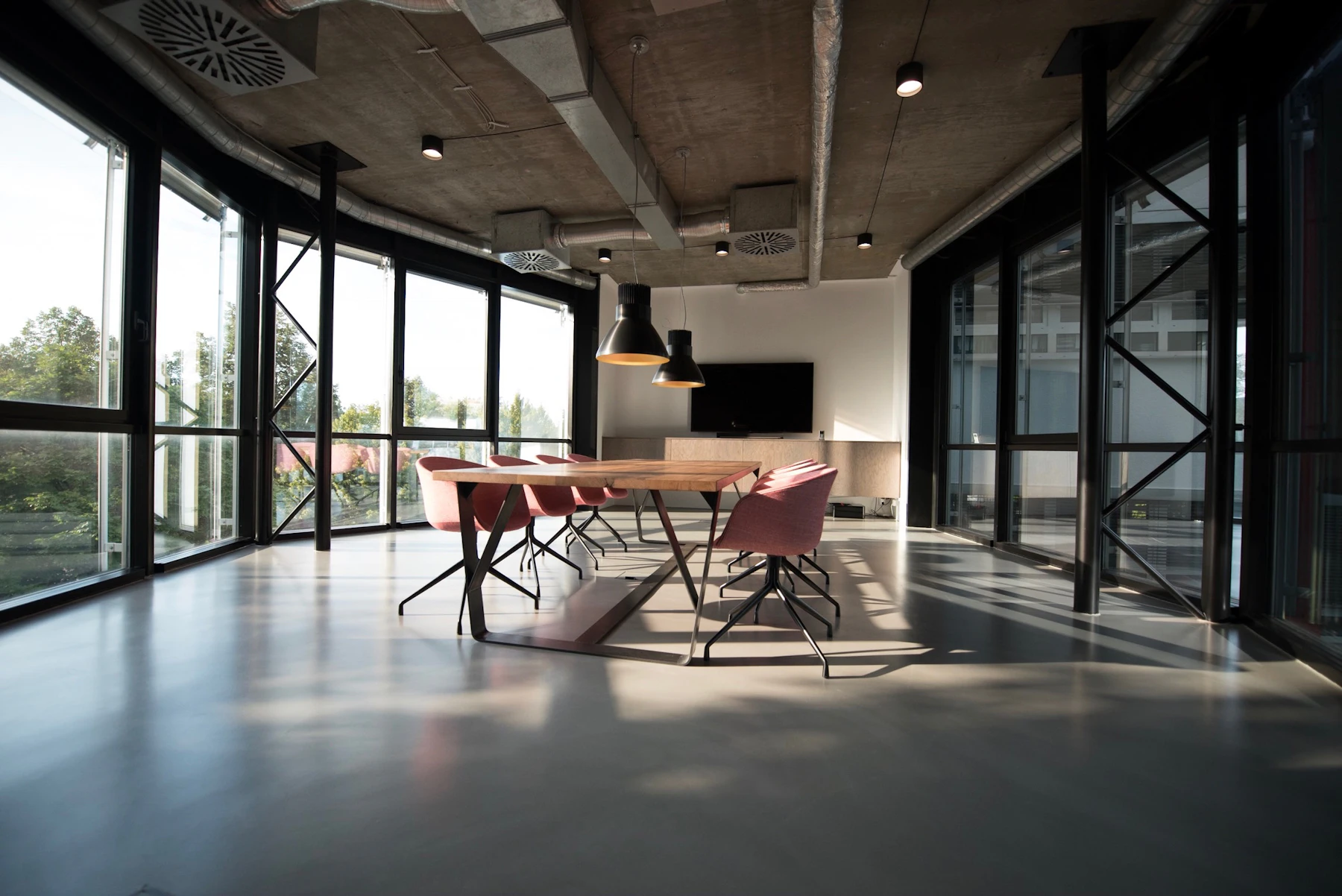
For boardrooms, plan central power access so laptops, screens, and charging points serve every seat without crossing the tabletop.
Use storage as a service spine.
Credenzas, mobile pedestals, and side storage can help hide chargers, docking equipment, and extra cables while keeping them reachable.
Leave controlled slack.
A small amount of organized slack protects connections when chairs move, desks are adjusted, or devices are replaced during daily work.


A calmer order of installation.
Cable management is easiest when it follows the furniture plan. Start with the room layout, then define power, then place devices, and only then refine visible details.
Map the work surface.
Place monitors, task lighting, phone charging, docking stations, and desk accessories before deciding where cable access should appear.
Choose the hidden route.
Use trays, rear channels, modesty panels, and storage pieces to define the cable path below the desk or conference table.
Group by function.
Separate display, power, charging, and network lines so future changes remain simple and the underside stays legible.
Finish the visual edge.
Check the desk from the doorway, guest chair, and standing position. The best cable plan is quiet from every normal viewpoint.
Details that keep office furniture practical and polished.
For workspace planning, product guidance, or office furniture coordination, STRIDEDESK can help connect the visible design with the hidden infrastructure.
Use one discreet desktop access point, an under-desk tray for adapters, and rear routing that keeps cables hidden from the guest-facing side of the desk.
Plan central or repeated access points so each participant can reach power without running cables across the meeting surface or blocking seating movement.
They should be visually quiet but still serviceable. A refined setup hides clutter while preserving access for maintenance, new equipment, and everyday changes.
Eligible STRIDEDESK office furniture orders ship in 3–5 business days. For larger workspace projects, contact the team for guidance before ordering.
Choose office furniture that makes technology feel calmer.
Explore STRIDEDESK executive desks, computer desks, conference tables, office storage, and workspace systems designed for composed modern business interiors.
Emailinfo@stridedesk.mom
Phone7317629913
Address607 W Wood St Paris TN 38242
Shipping3–5 business days